Convert MP4 to SRT
Quickly transcribe MP4 videos into SRT subtitles using powerful AI. Enjoy fast and accurate transcription in over 99 languages. Perfect for captions, accessibility, and content creation.

Convert a local file
Simply upload an MP4 file and get SRT subtitles instantly.

Convert from URL
Easily convert MP4 to SRT—just paste a link from webpage.
Unmatched AI Transcription
Convert MP4 to SRT with precision using Clipto. Enjoy accurate subtitles, unlimited uploads, and seamless support for multiple languages.
7-day free trial, cancel anytime
7-day free trial, cancel anytime
Key Features of Clipto’s MP4 to SRT Converter
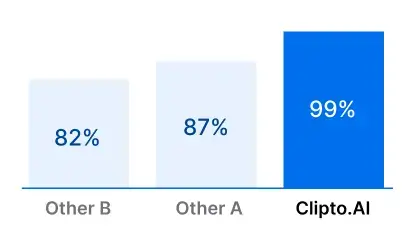
Accurately Extract SRT from MP4
Convert MP4 to SRT effortlessly with AI-powered transcription. Create accurate, time-coded subtitles without the manual work.
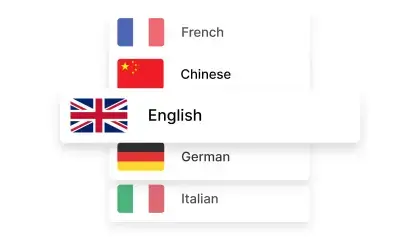
99+ Languages Supported
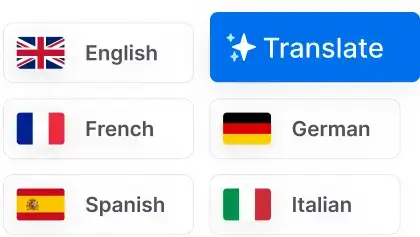
Convert MP4 to SRT in 99+ languages including Chinese, Portuguese, and Spanish with Clipto — perfect for global accessibility.
Convert Without Limits
Convert MP4 to SRT with zero limits — no quotas, no restrictions. Ideal for creators, teams, and anyone working with large video volumes.
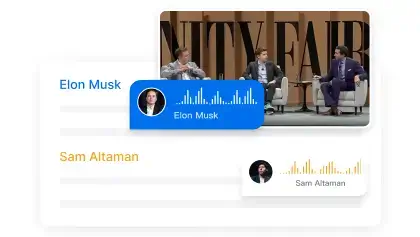
Speaker Identification
Detect multiple speakers in your MP4 file with smart AI. Create well-organized, labeled SRT subtitles for clearer and more professional results.
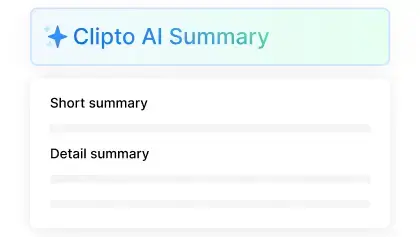
Video Transcription Summaries
Convert MP4 to SRT and create simple, useful summaries from the transcript. Great for quick reviews, recaps, or content overviews.
Secure MP4 Transcription
Your MP4 files are handled with the highest level of security. All data is encrypted during upload and processing to ensure complete privacy.
Transcribe MP4 to SRT Across 99+ Languages
Generate SRT from MP4 in 99+ languages with AI-powered accuracy. Easily transcribe video files and create subtitles for global audiences.




See all 99 languages
Versatile Exporting Solutions
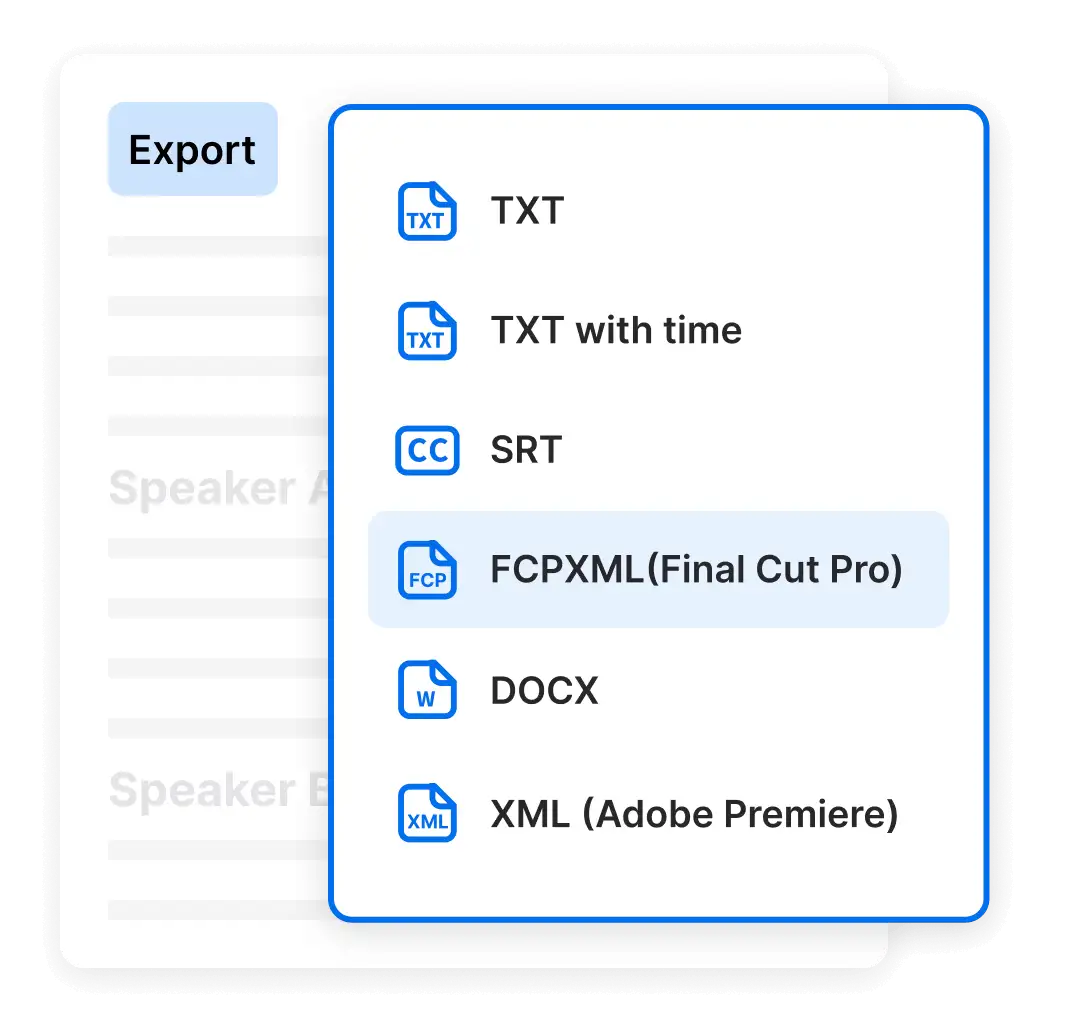
Go beyond converting MP4 to SRT. Clipto allows you to export your transcripts into multiple formats such as VTT and TXT, enhancing versatility for different use cases. Designed with flexibility in mind, Clipto seamlessly integrates with popular editing tools like Final Cut Pro and Premiere Pro, streamlining your content creation workflow.
7-day free trial, cancel anytime
- Mp3 to TEXT
- Mp3 to SRT
- Mp3 to VTT
7-day free trial, cancel anytime
Choose the plan that fits your needs
YearlyMost Popular
$12.49
$24.99 / month
7-day free trial, then $149.88 a year
 Unlimited video & audio searchAutomatic speech transcriptionAutomatic people taggingSupport 99+ languagesAnalyze videos up to 6 hours longAccess to advanced models
By clicking "Start Free Trial", you agree to Clipto’s Terms of Service and Privacy Policy.
Start your FREE trial now!
Unlock the full potential of AI transcription with a 7-day Premium access pass. Enjoy features like accurate transcription, speaker identification, and multilingual support—all risk-free. Cancel anytime, hassle-free.
You might also like
AI Transcription Online
Video Transcript Generator
Video Transcription Online
Audio Transcription Online
TikTok Transcription Tool
Convert Video and Audio to Text
Youtube Video Transcript
Podcast Transcription
Court Transcription
Instagram video transcript
Translate French audio to English
Translate Audio to English
Note Taking software
Interview Transcription
Legal Transcription
Translate Portuguese Audio to English
Translate Spanish Audio to English
Translate Audio to Text
Audio to Text Converter
Convert MP4 To Text
Convert MP3 To Text
Youtube Shorts transcription Tool
Youtube Transcription Generator
Convert English Video Audio To Chinese Text
Speech to text free
Convert MP3 to SRT